Quickstart
Install the CLI, get an API key, scaffold a tik, preview it in a phone frame and publish a draft.
Requirements
- Node.js 22.12 or later, on macOS, Linux or Windows.
- The Codetik app on your phone, with an account. API keys are created in the app.
Install the CLI
$ npm i -g @codetik/cli$ pnpm add -g @codetik/cli$ bun add -g @codetik/cliThe CLI ships with the /codetik agent skill. If you build with an agent, it already knows the commands and the window.tik API. See Using an agent.
Get an API key
The CLI publishes to your account with an API key, and keys are created in the Codetik app.
- Install the app and sign up
Get Codetik from the App Store or Google Play. Sign up and pick a username: the CLI only works for an account with one, not a guest session.
- Open the API keys screen
Go to the Account tab, tap the gear for Settings, then API keys in the Account section.
- Create a key
Give the key a name and tap Create key. One key per machine or repo makes a leak easy to trace and cheap to revoke. You can hold up to 10.
- Copy it
The key starts with
ctk_and is shown only once. Copy it now; if it is lost, revoke it on the same screen and create another.
Sign in
Paste the key when the CLI asks for it:
$ codetik login◇ Paste your API key│ ••••••••••••◇ Signed in as @youcodetik whoami shows the account and plan a saved key belongs to. In CI, set CODETIK_TOKEN instead of signing in.
Create a tik
- Run codetik new
Pick a folder and a title. The tik is registered to your account as a draft.
$ codetik new◇ Folder│ snake◇ Title│ Snake◇ Created snake - Add a logo
Every tik needs a 512×512
tik.webpin its folder before it goes live. Drafts publish without one. - Open the folder
Open it in your editor.
AGENTS.mdholds the practices that work on a phone: portrait, touch, offline and the safe area.
What's in the folder
snake/├─ tik.yaml # title, category, tags, permissions├─ AGENTS.md # guidance for your agent├─ index.html├─ src/main.ts└─ tik.webp # 512×512 logo, needed to go livePreview with codetik dev
codetik dev runs your tik in a phone frame with the real window.tik, so lifecycle, profile and the backend behave as they will in the app.
$ cd snake && codetik dev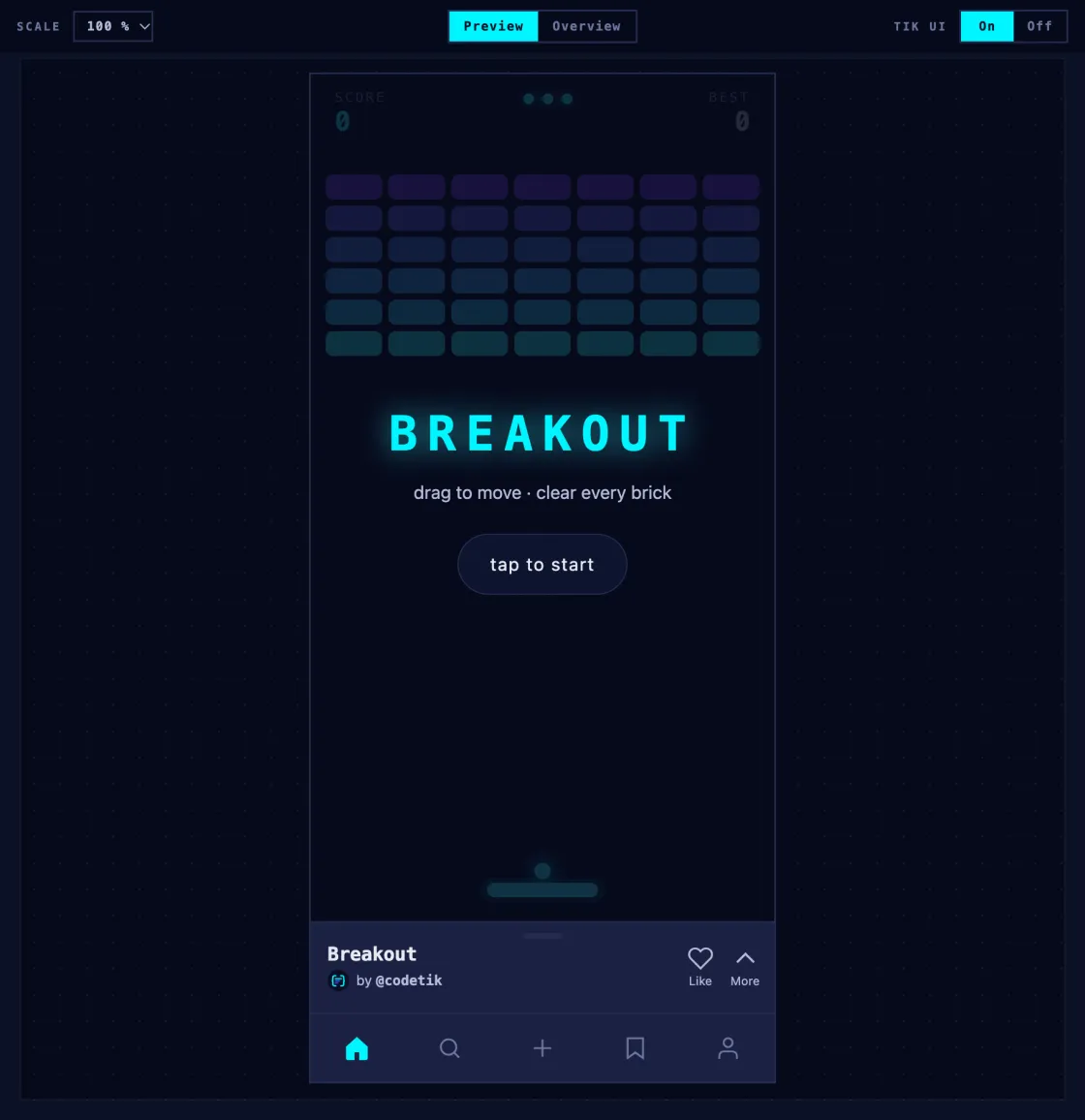
While it runs, these keys work in the terminal:
Publish a draft
A publish is a draft by default. It replaces your files and reaches nobody, so you can iterate without a logo or a version bump. Open it from Drafts in the Codetik app to try it on your phone.
$ codetik publish◇ Publish how?│ Draft◇ Checked◇ Packed 6 files (3.1 KB zipped)◇ Draft saved└ Publish it with codetik publish --live when it is ready.When it's ready, release it:
$ codetik publish --liveA live tik can't go back to draft. Once it's live, its users' data is protected and breaking backend changes are refused unless you say otherwise.
Next steps
- Build a realtime leaderboard to add a backend.
- Read the window.tik reference.
- See every command in the CLI reference.